
Our Students
ClassLink
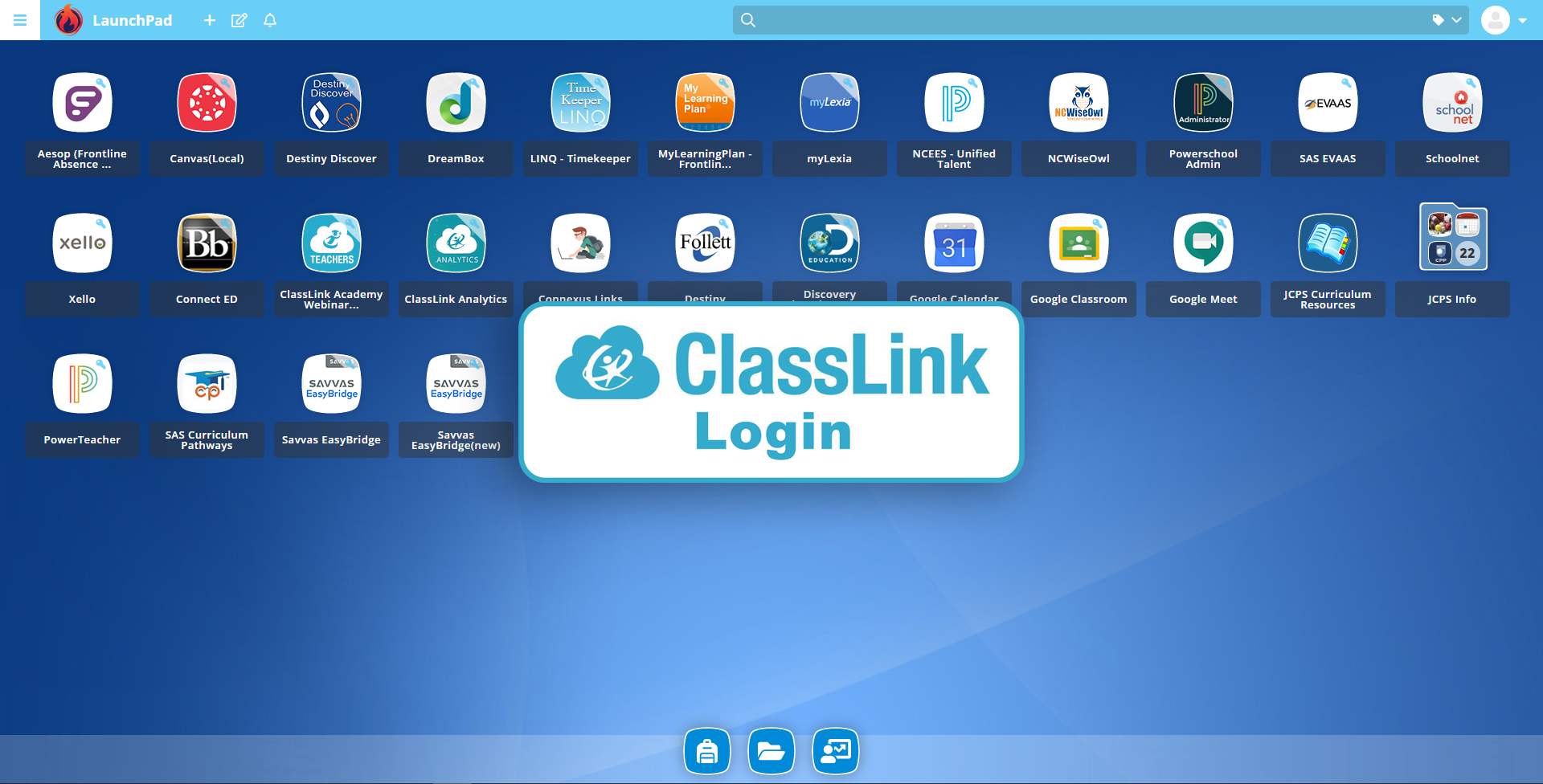
For assistance logging into to ClassLink please read the Classlink Quick Guide for Students.
Log-In Information
Initial Log-In Information
JCPS uses ClassLink Launch Pad to provide students one-click access the JCPS online resources.
To sign on, students can go to the ClassLink Launch Pad use their JCPS login credentials (the same username and password used to log in to a school computer). For first time sign on, students will need to claim their JCPS account and will need: student Id, date of birth, and access to a Chromebook.
If you need help claiming your account, please reference the Directions to Claim JCPS (Class Link) Account.
ClassLink Log-In Information
Students use their ID credentials (computer login) to log on to ClassLink Launch Pad. For example: An email address with the email address of jdoe1234@johnston.k12.nc.us will have the username of jdoe1234. Passwords will match Student ID credentials and email account passwords.